Choosing a home router with built in parental controls
A practical comparison of parental controls from ASUS, TP Link, NETGEAR, Google and Synology, with guidance on what families should check before buying.
On this page
- What Parental Controls Do Modern Routers Include?
- Recommended Router Brands
- ASUS: Strong Controls Without a Continuing Subscription
- TP Link: Good Value and Easy Mesh WiFi Options
- NETGEAR: Easy to Use, but Check Subscription Costs
- Google Nest Wifi: Simple Controls for Google Households
- Synology: Detailed Controls for Advanced Users
- What to Check Before Buying
- Final Recommendation
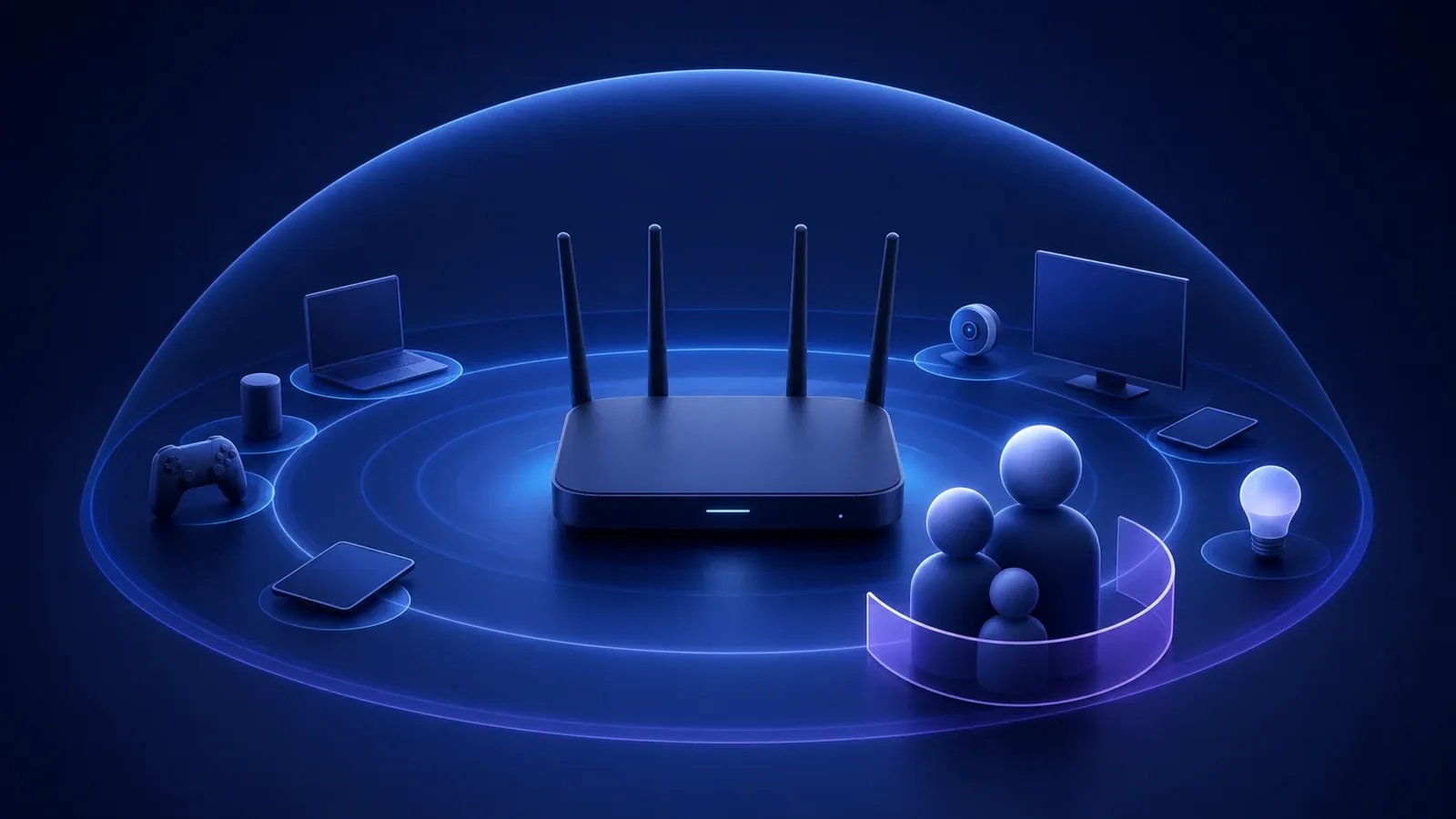
Home internet is no longer used by only one or two computers. A typical household may have phones, tablets, gaming consoles, televisions, security cameras, smart speakers and school laptops connected at the same time. This makes the router an important part of both network performance and family online safety.
Most readily available routers now include at least basic parental control features. However, the quality of those controls, including whether they require a paid subscription, varies considerably between brands and models.
What Parental Controls Do Modern Routers Include?
The most common feature is the ability to pause internet access for a particular device. This can be useful during dinner, homework time or bedtime.
Many routers also allow parents to:
- Create a profile for each family member
- Assign several devices to one profile
- Schedule permitted internet hours
- Set daily usage limits
- Block adult or inappropriate websites
- Restrict certain categories, such as gaming or social media
- Review general internet usage reports
- Pause the entire household connection temporarily
These controls operate at the router level, so they can cover many devices without requiring separate software on every phone, tablet or computer.
However, router controls should not be treated as a complete child safety solution. Australia’s eSafety Commissioner recommends combining parental controls with supervision appropriate for the child’s age, conversations about online behaviour and appropriate settings on individual devices and services.
Recommended Router Brands
ASUS: Strong Controls Without a Continuing Subscription
ASUS is one of the strongest choices for households that want extensive built in controls without paying an ongoing parental control fee.
Compatible ASUS routers include features such as device scheduling, website and application restrictions, safe browsing and family profiles. ASUS also provides AiProtection network security tools on supported models, although available functions vary between products.
ASUS is particularly suitable for families that want detailed control and are comfortable spending some time configuring their network.
Before purchasing, check the specifications for the exact model. Not every ASUS router supports every AiProtection or parental control feature.
TP Link: Good Value and Easy Mesh WiFi Options
TP Link offers parental controls through its HomeShield platform, which is available on compatible Archer routers and Deco mesh systems.
HomeShield can provide family profiles, content filtering, time controls, network security features and usage reports. TP Link describes HomeShield as a built in service across compatible HomeShield routers and Deco products.
Basic controls may be included, while more advanced parental control and security functions can require a paid plan. TP Link’s subscription structure and pricing can also vary by country and product, so this should be checked before purchase.
TP Link Deco is a practical option for larger homes that need a mesh network to improve WiFi coverage.
NETGEAR: Easy to Use, but Check Subscription Costs
NETGEAR offers Smart Parental Controls on selected Nighthawk and Orbi products. Parents can create individual profiles, filter websites, pause internet access and monitor activity. Premium features can include schedules, time limits and additional controls.
The important phrase is “selected products.” NETGEAR maintains a compatibility list, and not every Nighthawk or Orbi model supports Smart Parental Controls. Regional availability can also differ.
NETGEAR is worth considering for people who prefer a polished mobile application and straightforward controls, but potential subscription costs should be included in the purchasing decision.
Google Nest Wifi: Simple Controls for Google Households
Google’s Family WiFi controls allow users to create device groups, pause internet access and block millions of adult websites. These features are managed through the Google Home application.
Google Nest Wifi is relatively simple to manage and may suit households already using Google Home products. Its controls are less detailed than some ASUS, Synology or subscription based systems, but the simpler interface may be an advantage for users who only need basic scheduling and filtering.
Synology: Detailed Controls for Advanced Users
Synology routers provide a feature called Safe Access. It supports user profiles, internet schedules, time quotas, web filters and usage monitoring.
Synology is a strong option for users who want detailed network management without relying heavily on subscription services. The interface may require more technical knowledge than a basic consumer router, and Synology routers are not always as widely stocked as TP Link, ASUS or NETGEAR products.
What to Check Before Buying
Do not choose a router based only on the words “parental controls” printed on the packaging. Check the manufacturer’s page for the exact model and confirm:
- Which controls are included at no extra cost
- Which features require a monthly or annual subscription
- Whether the service is available in Australia
- How many family profiles can be created
- Whether controls work only on home WiFi or also on mobile data
- Whether the router receives regular firmware and security updates
It is also worth deciding whether a standard router or mesh system is more appropriate. A single router may be sufficient for a small home, while a mesh system can provide more reliable coverage across a larger property with multiple storeys.
Final Recommendation
For strong built in controls without a regular subscription, ASUS is generally one of the best places to start. TP Link offers an excellent balance of price, features and mesh coverage, while NETGEAR provides an easy experience for households prepared to pay for premium functionality.
Google Nest Wifi is appropriate for simpler family controls, while Synology is better suited to users who want extensive configuration options.
The best router is not necessarily the model with the longest feature list. It is the one whose controls are understandable, regularly updated and practical enough for the household to use consistently.