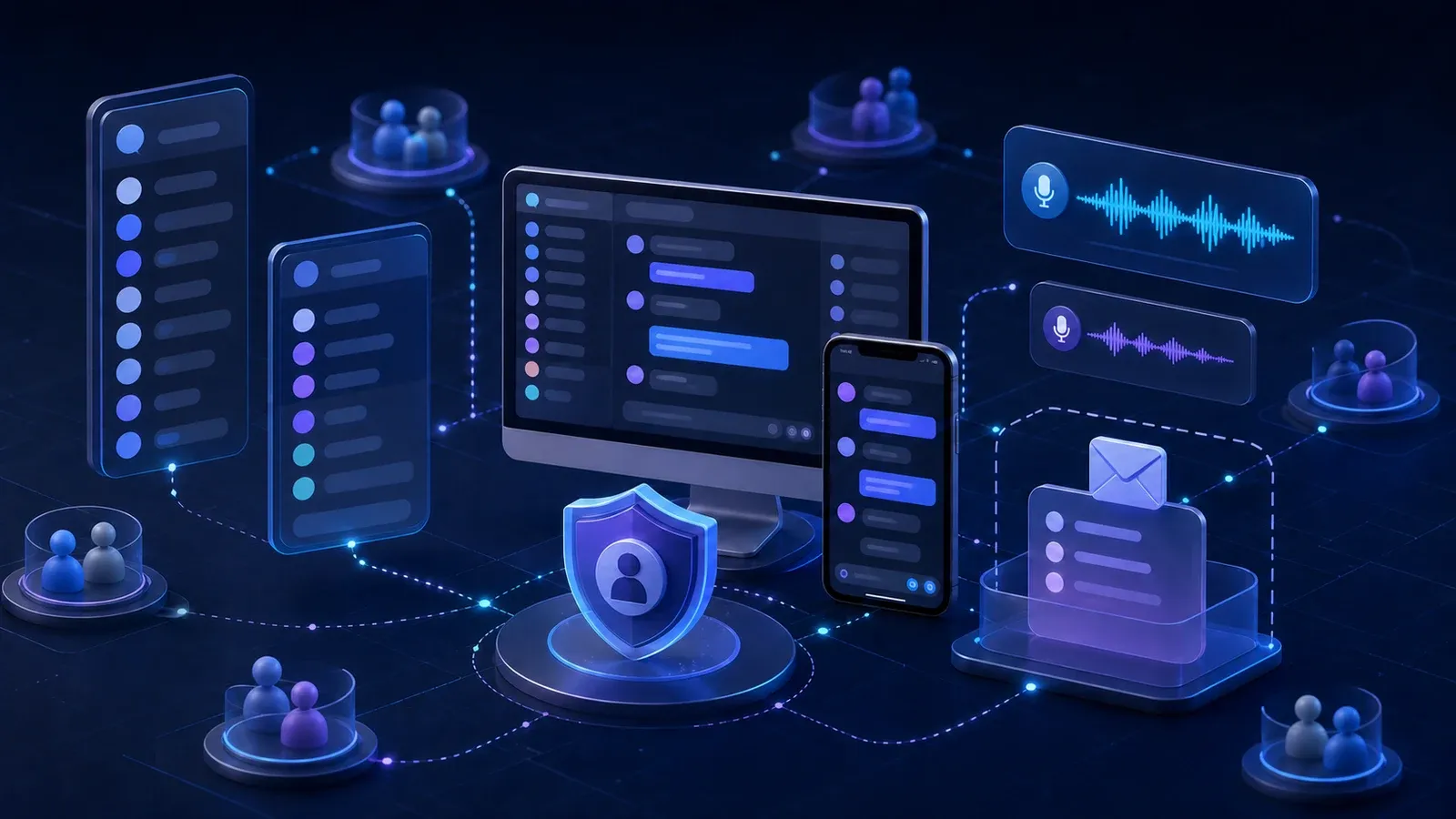
A practical guide to Discord servers, channels, private messages, voice chat, Family Center, safety settings, and the conversations that help teenagers use it more safely.
On this page
- Is Discord covered by Australia’s under 16 rules?
- How servers and channels work
- Friends, private messages, and group chats
- Voice chat, video, and screen sharing
- Bots, apps, links, and scams
- Content can vary between servers
- What parents can see in Family Center
- A practical safety setup
- Conversations worth having
- If something goes wrong
- Further reading
Discord can look confusing when you first open it. Instead of a familiar social media feed, it is organised around communities called servers. Inside each server are separate places for text conversations, voice chat, video, shared files, and live screen sharing.
Young people often use Discord to talk with school friends, play games together, join communities built around their interests, or work on shared projects. Some servers are small and private. Others contain thousands of people who have never met.
That variety is what makes Discord useful, but it also means the experience can be very different from one server to another. Parents do not need to understand every button. They do need to understand how people connect, where conversations happen, and which settings reduce unwanted contact.
Is Discord covered by Australia’s under 16 rules?
Discord is not currently classified as an age restricted social media platform under Australia’s social media minimum age rules. This means the under 16 account restriction that applies to services such as Snapchat, TikTok, Instagram, and YouTube does not currently apply to Discord.
Discord’s minimum age in Australia is 13. People aged from 13 to 17 can use the service, but they cannot access adult spaces or content intended for people aged 18 and over.
Australian Discord accounts also receive a teen appropriate experience by default. Sensitive content filters and message requests are enabled, and age assurance is required before an adult can change certain settings or access adult spaces.
Platform rules and Australian requirements can change, so parents should check the current eSafety and Discord guidance when setting up a new account.
How servers and channels work
A server is a community space. It might be created for a group of friends, a school club, a game, a hobby, a creator, or a large public community.
Servers are divided into channels so different conversations can happen separately. Common channel types include:
- Text channels for messages, images, links, files, and reactions
- Voice channels where people can talk without making a traditional phone call
- Video and screen sharing for showing a game, application, or desktop to other people
- Forum channels for longer discussions arranged by topic
- Announcement channels for updates from server organisers
Each server has its own rules, moderators, membership process, and culture. A well managed server may have clear rules and active moderators. A poorly managed server may expose members to harassment, scams, adult material, or unsuitable conversations.
Joining a server also creates a connection with its other members. Depending on the user’s settings, people in the same server may be able to send friend requests or private messages.
Friends, private messages, and group chats
Discord users can add friends and communicate outside a server through direct messages. They can also create private group conversations with several people.
A direct message can contain text, images, files, links, voice calls, or video calls. This makes it easy for a public server conversation to move into a private space where moderators cannot see what is happening.
For teenagers, messages from people who are not friends should be placed in a separate Message Requests area. Discord may also move suspected automated messages into a Spam folder and show safety alerts when an unfamiliar person starts a conversation.
These protections are useful, but they cannot determine whether every person is trustworthy. Encourage your teenager to:
- Accept friend requests only when they understand who the person is
- Be cautious when someone quickly tries to move a conversation into private messages
- Avoid sharing their full name, school, address, routine, or location
- Never send passwords, verification codes, or account recovery details
- Tell a trusted adult if someone applies pressure, asks for private images, or makes threats
Someone who shares an interest or belongs to the same server is still a stranger until their identity has been reliably established.
Voice chat, video, and screen sharing
Discord voice channels can feel like entering a room. A user joins the channel and can talk with anyone else who is present. Depending on the server and permissions, they may also turn on a camera or share their screen.
Screen sharing deserves particular care. Notifications, email addresses, browser tabs, school information, saved files, and other private details can appear unexpectedly. Before sharing, close unrelated applications, silence notifications, and check what part of the screen will be visible.
Teenagers should also know that another participant may record a conversation or screen even when Discord does not clearly indicate it. They should avoid saying, showing, or sharing anything they would not want copied.
Bots, apps, links, and scams
Servers can contain automated accounts called bots and other connected applications. These can play music, manage roles, run games, answer questions, or help moderators. Useful automation can make a server better, but an unfamiliar bot should not automatically be trusted.
Common Discord scams include:
- Offers for free game items, subscriptions, or digital currency
- Messages claiming an account has been reported by mistake
- Links to fake login pages
- Files described as games, tests, or security tools
- Requests to scan a QR code or provide a verification code
- Messages from a friend’s compromised account
- Investment, cryptocurrency, or marketplace schemes
A legitimate Discord employee will not ask for a password or authentication code in a private message. If a message creates urgency or promises something unusually valuable, stop and verify it through a separate trusted source.
Content can vary between servers
Discord is not one centrally moderated conversation. Every server is operated by its own owners and moderators, while Discord also enforces its wider rules across the service.
Teen accounts have filters that can blur or block images detected as sexually explicit or graphic. Australian users must be confirmed as adults before they can access adult channels or turn off certain protections.
Filters reduce exposure, but they are not perfect. They may miss some harmful material, and Discord notes that its sensitive media filters currently focus on images rather than every type of video or conversation.
Before a teenager joins a server, it is worth checking:
- What the server is for
- Who invited them
- Whether it is public or limited to known people
- How many members it has
- Whether the rules are clear and enforced
- How moderators respond to harmful behaviour
- Whether adult channels, gambling, or unregulated trading are present
Leaving a server is always an acceptable response when its culture becomes uncomfortable or unsafe.
What parents can see in Family Center
Discord’s Family Center is an optional supervision feature. A parent or carer needs their own Discord account, and both accounts must agree to connect. The setup process uses the Discord mobile app and a QR code.
Once connected, a parent can see a summary of recent activity, including:
- Friends recently added
- Servers recently joined or used
- The accounts involved in recent direct messages or calls
- Recent purchases and gifts
- Whether the teenager submitted a report and chose to notify their guardian
Family Center does not reveal the contents of messages or calls. Activity summaries generally cover the most recent seven days and only show activity that occurred after the accounts were connected.
Parents can also manage selected settings, including:
- Sensitive content filters
- Who can send friend requests
- Whether server members can send direct messages
- Message request settings
- Selected data and privacy choices
- A monthly spending cap for eligible purchases
- Scheduled hours when Discord cannot be accessed
Some subscriptions are not covered by the spending cap, so payment methods and recurring subscriptions should still be reviewed separately.
Family Center cannot remove friends, leave servers, or read private conversations on a teenager’s behalf. Either person can disconnect the Family Center link. It works best as a prompt for regular conversations, not as invisible surveillance.
A practical safety setup
Set up or review the account together. Explain what each choice changes so your teenager can recognise unsafe situations when a parent is not present.
A useful starting checklist is:
- Confirm the correct date of birth is attached to the account
- Use a unique password stored in a password manager
- Turn on two factor authentication
- Verify the recovery email address and mobile number
- Set direct messages from server members to the safest practical option
- Limit friend requests from unfamiliar people
- Keep message requests and spam filtering enabled
- Keep sensitive content filters enabled
- Review every server and leave communities that are no longer used
- Review connected apps, authorised bots, subscriptions, and payment methods
- Set up Family Center where it is appropriate
- Agree on what to do when an uncomfortable message or request arrives
Privacy settings should be reviewed again after major Discord updates or when a teenager starts using new servers.
Conversations worth having
Discord is often an important social space for young people. Starting with curiosity makes it easier to understand what they enjoy and where they may need help.
Try asking:
- Which servers do you enjoy most, and what happens in them?
- Are the people there school friends, online friends, or a mixture?
- Who can currently send you a private message or friend request?
- How would you recognise a fake giveaway or login page?
- Has anyone tried to move a public conversation into a private one?
- What would you do if someone asked for a personal image or threatened to share one?
- Do voice chats ever interfere with sleep, school, or other activities?
- Would you feel comfortable telling me if something went wrong?
Make it clear that asking for help will not automatically result in blame or the immediate loss of every device. Fear of punishment can make a young person hide a problem until it becomes more serious.
If something goes wrong
Use Discord’s reporting tools to report the specific message or content where possible. Save useful evidence before blocking or leaving a server if it is safe to do so. This might include screenshots, usernames, server names, message links, dates, and a short description of what occurred.
Do not ask a young person to repeatedly view or forward distressing material just to collect more evidence. Avoid redistributing intimate images, even when trying to report them.
Block or ignore the account, leave unsafe servers, and change the account password if compromise is suspected. Serious cyberbullying, image based abuse, threats, or unsafe contact can also be reported to Australia’s eSafety Commissioner. Contact emergency services if someone is in immediate danger.