How a family location app can help when your child gets their first phone
Apps such as Life360 can provide useful arrival, battery, and emergency alerts, but they work best when families agree on clear and respectful boundaries.
On this page
Giving a child their first mobile phone is often connected to greater independence. They may begin travelling to school, visiting friends, attending sport, or spending short periods away from a parent or carer.
A family location app such as Life360 can provide reassurance during this transition. It can show where family members are, send useful notifications, and offer another way to ask for help.
The best reason to use one is coordination, not constant observation.
Know when they arrive safely
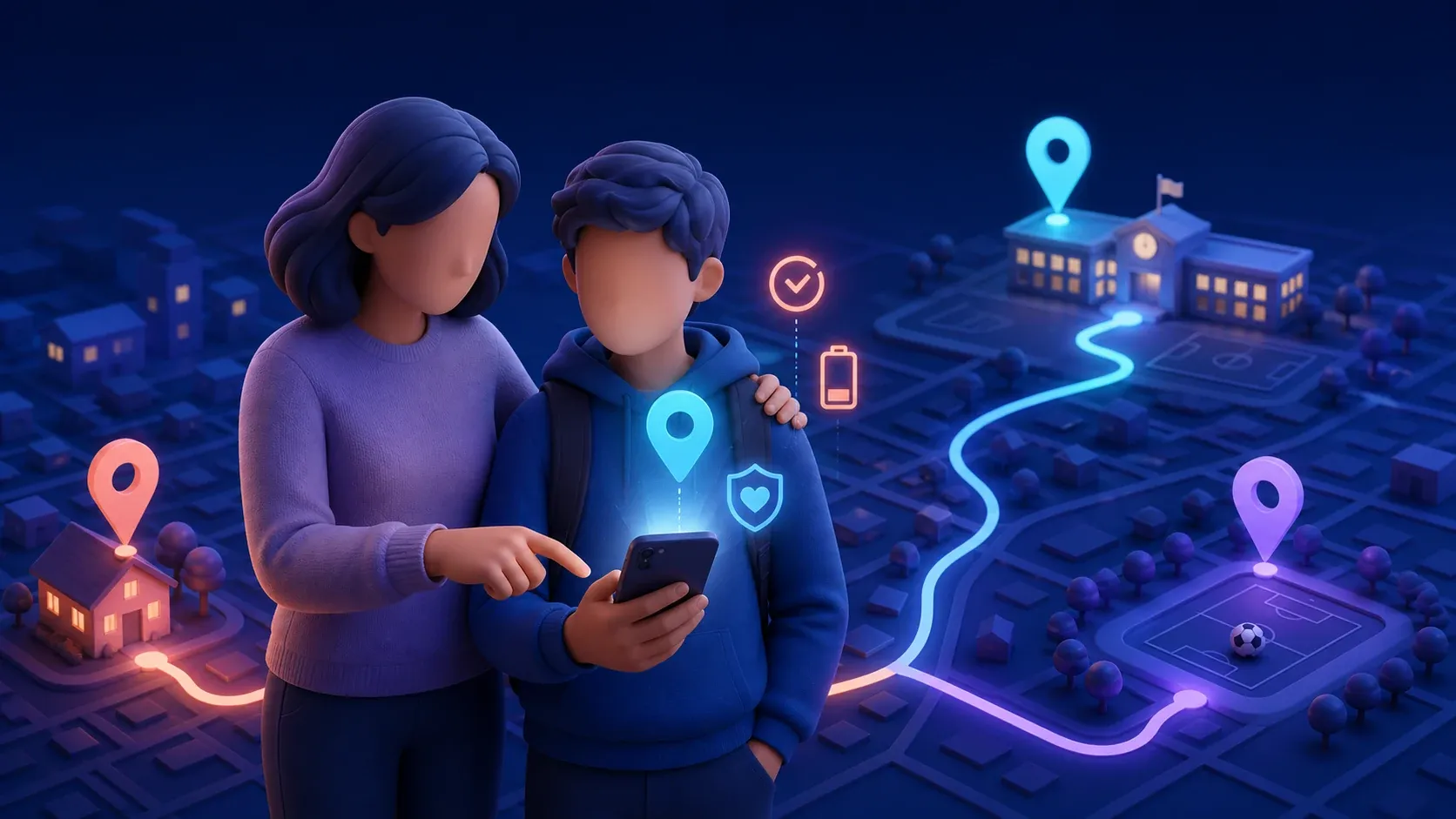
One of the most useful features is a Place Alert. A family can save locations such as home, school, a sporting club, or a grandparent’s house. The app can then send a notification when a Circle member arrives or leaves.
This can reduce the need for repeated messages asking whether a child has arrived. It may also help when plans change unexpectedly or a normal journey takes much longer than usual.
Life360 currently includes a limited number of Place Alerts on its free Australian plan, with more available through paid plans. Its location sharing information also describes No Show Alerts, which can notify family members when someone does not reach an expected place at an expected time.
Location alerts are not perfect. GPS accuracy, mobile reception, phone settings, and overlapping place boundaries can affect when an alert appears. Treat them as useful information rather than absolute proof of where someone is.
Receive a low battery warning
A location app cannot help if the phone is flat. Life360’s Smart Notifications guidance says its low battery alert is sent when a Circle member’s phone drops below 10 percent.
That warning gives a child time to charge the phone or preserve the remaining battery. It also explains why their location may soon stop updating, rather than leaving family members wondering why the app has gone quiet.
Families should still agree on a backup plan. A child could know a parent’s number, carry a small power bank when travelling farther from home, and understand where to seek help if the phone stops working.
Make it easier to ask for help
Life360 includes an SOS feature that can send a silent help alert and the person’s location to their Circle and emergency contacts. Its Australian SOS information explains that the type of alert and access to emergency dispatch depend on the membership level.
Older children who begin driving may also benefit from crash alerts. Life360 says Crash Detection can notify Circle members and emergency contacts when the app detects a serious collision. Some emergency dispatch, roadside assistance, and detailed driving features require a paid plan.
These tools can support an emergency plan, but they do not replace it. A child should still know how to call Triple Zero, provide their location, contact a trusted adult, and respond safely if the app sends a false alert.
Use fewer notifications, not more
It can be tempting to turn on every available alert. That often creates noise and makes important notifications easier to miss.
Start with the places and situations that genuinely matter. For many families, home, school, and a regular activity will be enough. Low battery and emergency alerts may also be useful. Review the settings together after a few weeks and remove alerts that do not help.
The goal is to avoid repeatedly checking the map. A useful notification should answer a practical question without encouraging a parent to watch every movement.
Agree on the rules together
Location sharing affects a child’s privacy. Before installing an app, explain what it can collect, who will see the information, and when the family expects to use it.
A simple agreement might include:
- Location is used for safety and coordination
- Parents will not question every unexpected stop
- The child can ask who has access to the family Circle
- Everyone will discuss changes to alerts and saved places
- Location history will not be used to embarrass or punish someone
- The family will talk first if location sharing stops working
The agreement should apply to adults too. When location sharing is mutual, it feels more like a family safety tool and less like surveillance.
Review privacy and phone permissions
Continuous location sharing requires sensitive permissions. Life360 explains that location access supports its map and Place Alerts, while motion data supports driving features and Crash Detection. Its permission guidance also notes that location information may be shared with partners for functions including crash detection, analytics, and advertising.
Review the app’s Privacy Center and turn off optional data sharing that your family does not want. Keep the family Circle limited to trusted people, protect each account with a strong password, and remove former members promptly.
It is also worth checking the free and paid features before subscribing. Plans, prices, alert limits, and included services can change.
A tool for confidence, not control
A family location app can be valuable when a child is ready for their first phone and greater independence. Arrival notifications, battery warnings, SOS alerts, and crash detection can help families respond sooner while reducing unnecessary check in messages.
The technology works best when the child understands it, agrees with how it will be used, and knows that an unusual location will begin a calm conversation rather than an automatic punishment.