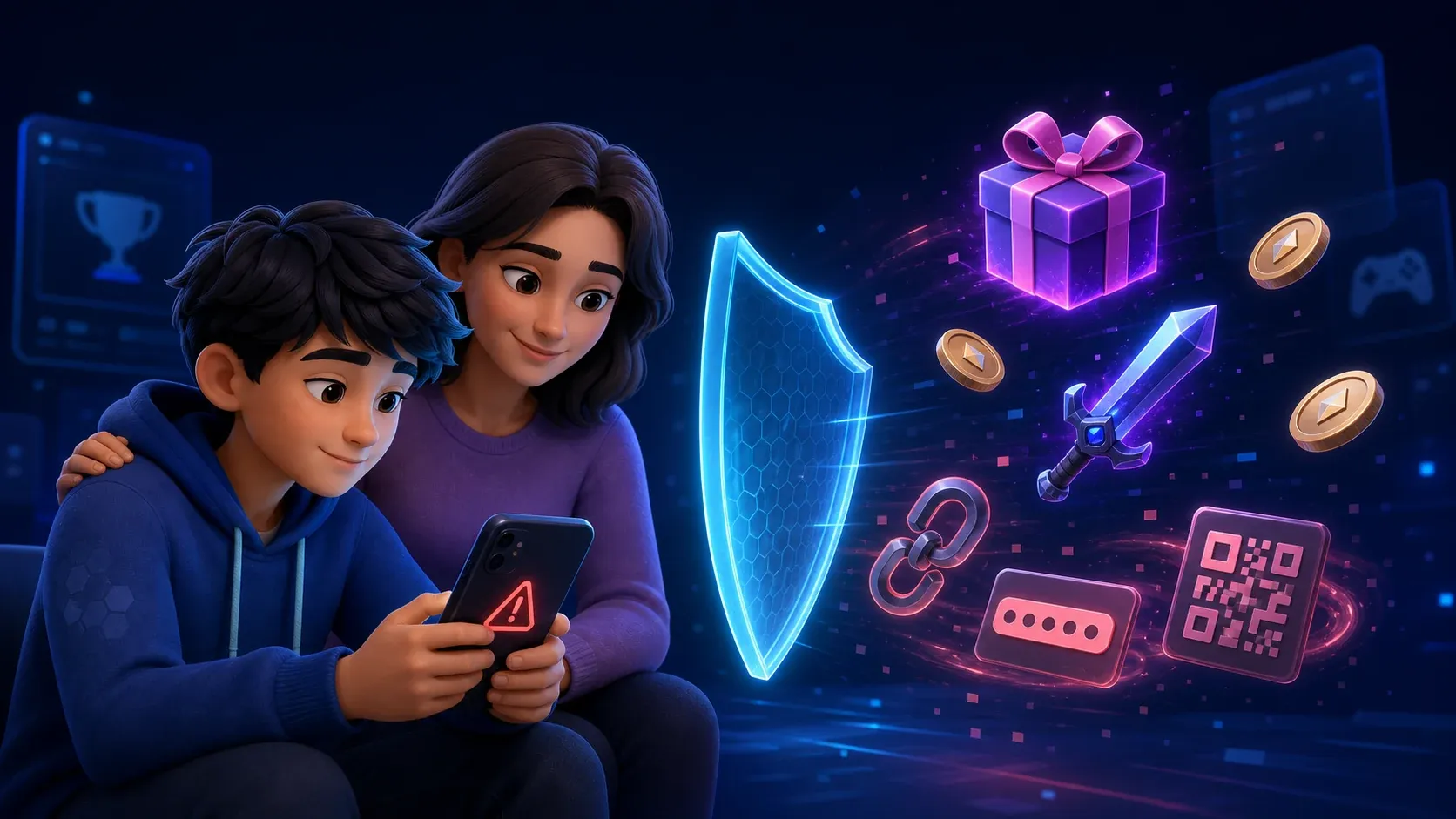
Free game currency, rare items and prizes can be a trap
Children can learn to recognise fake giveaways, urgent account messages, suspicious links, and requests for passwords or verification codes.
On this page
An offer of free game currency, a rare item, or an exclusive prize can be very convincing to a child. It may appear in a game chat, video, social post, message from a friend, or website that looks almost identical to the real service.
The offer is often designed to create excitement or panic before there is time to think. A child may be told the reward is available for only a few minutes, or that their account will be deleted unless they act immediately.
Families can prepare for these moments with one simple rule:
Stop, check, and ask before opening a link, scanning a code, downloading a file, or sharing account information.
What these scams can look like
The Australian Cyber Security Centre warns that gaming scams may use offers of free upgrades, game currency, rare items, skins, cheats, or boosts. The goal may be to steal money, login details, valuable items, or control of the account.
Common examples include:
- A giveaway that asks the child to sign in on another website
- A message claiming the account will be banned or deleted
- A player offering an unfair trade that must happen immediately
- A friend sending an unusual link after their account was stolen
- A request to scan a QR code to claim a reward
- A request for a password, PIN, or verification code
- A download promising cheats, upgrades, or early access
- A survey asking for personal details before releasing a prize
A polished page is not proof that an offer is real. Scammers can copy colours, images, logos, and login screens from a genuine company.
Teach children to notice pressure
Scams often rely on strong emotions. Excitement makes the reward feel irresistible. Fear makes an account warning feel urgent. Friendship makes a strange request feel trustworthy.
Encourage children to pause when a message says they must act now, keep something secret, or ignore a warning from their device. A genuine reward will not require a password or verification code. A legitimate company will not threaten a child through an unexpected private message.
If the message appears to come from a friend, check with that person another way. Their account may have been stolen and used to send the same scam to everyone they know.
Check through the official service
Do not use the link or contact details inside a suspicious message. Open the official game, app, or website yourself and check the account there.
The Australian Cyber Security Centre advises families to use official sources for games and purchases. It also recommends checking unexpected messages independently and asking a trusted adult before providing money or personal information.
Game currency, skins, and upgrades should be purchased only inside the genuine game or through its official store. Avoid websites that promise better prices, free items, or secret tools in exchange for account access.
Protect the account before a scam arrives
A few account settings can limit the damage if a child makes a mistake.
Use a strong and unique passphrase for every gaming account. Turn on multi factor authentication where it is available. Never share a verification code, even with someone claiming to work for the game company.
Enable purchase approval and remove saved card details from accounts that do not need them. Review trading, chat, and privacy controls with the child. Install games and updates only from trusted stores.
These protections do not replace a conversation, but they make one rushed decision less likely to become an expensive problem.
Make it safe to admit a mistake
Children sometimes hide a scam because they fear losing their phone, console, or favourite game. That delay gives a scammer more time to take over an account, spend money, or contact other people.
Tell your child that asking for help will not automatically mean losing the device. Thank them for speaking up and focus first on limiting the harm. Rules can be discussed later, once the account and payment details are safe.
What to do after a click
Act quickly, but stay calm.
If login details were entered, open the real service directly and change the password. Sign out other devices or sessions if the service provides that option, then turn on multi factor authentication.
If the same password was used elsewhere, change those accounts too. Protect the connected email account first because it may be used to reset other passwords.
If a file was downloaded, do not open it. If it was already opened, disconnect the device from the internet and seek technical help. Run a trusted security scan before using the device for sensitive accounts.
Save screenshots, usernames, links, receipts, and messages. Report the account or content to the game or platform, then block it. Contact the bank immediately if money or payment information may be involved.
Families can report scams to Scamwatch and cybercrime through ReportCyber. The Cyber Security Centre also provides a recovery tool for hacked accounts and devices.
Practise before it happens
Show children a few pretend offers and ask what makes each one suspicious. Look for urgency, secrecy, rewards that seem too generous, strange website addresses, and requests for private information.
The goal is not to make children afraid of every message. It is to build a habit of pausing when something feels exciting, urgent, or unusual.
A child who knows they can ask without embarrassment is much harder to scam.