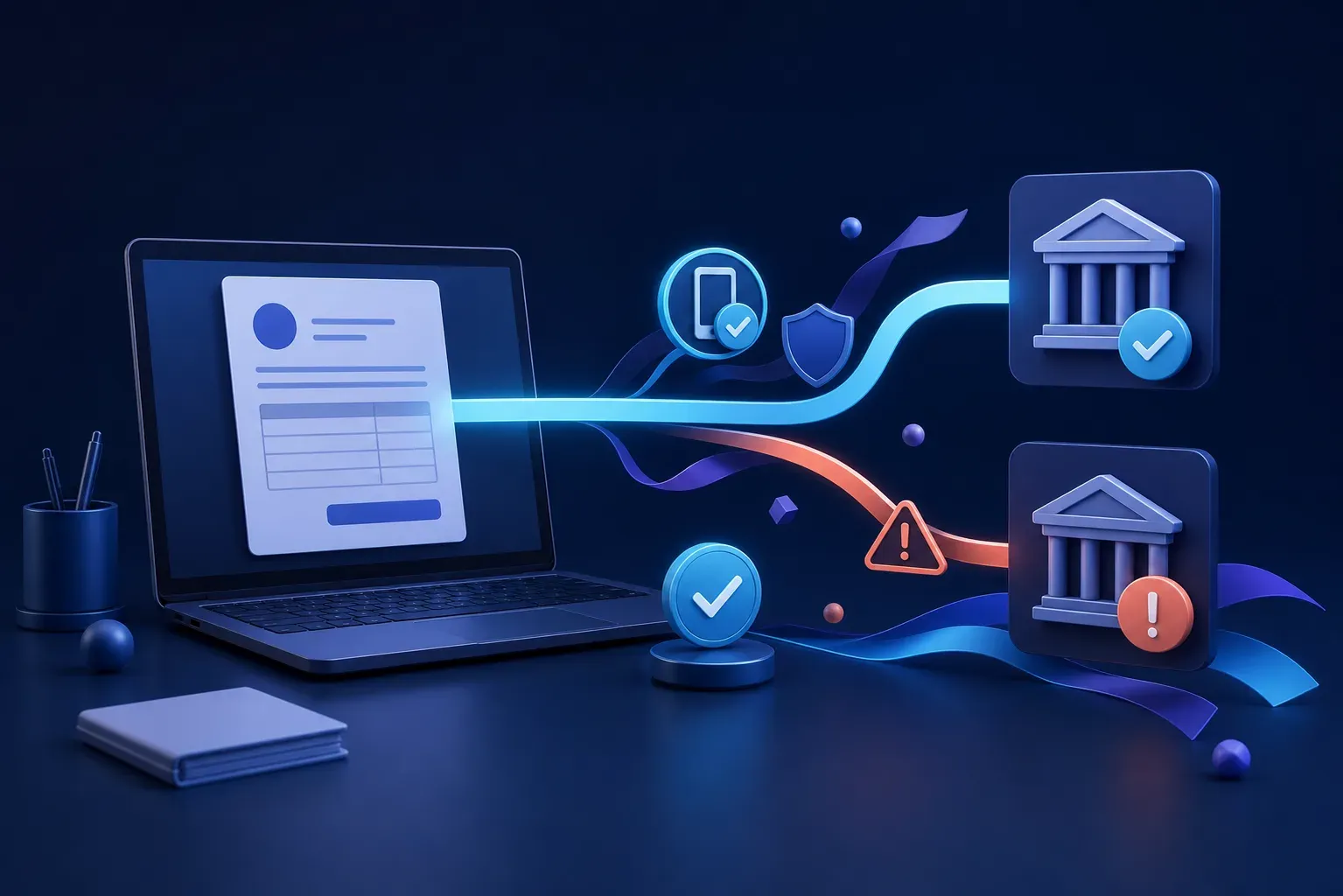
The invoice looks real, but have the bank details changed?
A familiar invoice can still redirect money to a criminal. One simple verification habit can protect your business before a payment is approved.
On this page
An invoice arrives from a supplier you know. The logo is correct, the amount is expected and the email appears inside a genuine conversation. The only change is a new bank account.
That single change could send a large payment to a criminal.
Payment redirection scams are difficult to spot because the invoice may be almost perfect. A criminal might imitate a supplier’s email address, copy a real invoice or gain access to a genuine email account and wait for the right conversation.
The safest rule is simple:
Never accept changed payment details from an email alone. Confirm them using a trusted contact method you already had.
Why a familiar email is not proof
A message can look genuine even when the email address is correct. If a supplier’s mailbox has been compromised, a criminal may be able to read previous messages, copy the usual writing style and reply inside an existing conversation.
They may change the account number on an invoice, create a believable reason for the change and remove replies that might alert the real supplier.
Other scams use an address with one character changed. On a phone screen or during a busy day, the difference can be easy to miss.
Warning signs can include:
- New bank or payee details
- Pressure to pay urgently
- A request to keep the payment private
- An unusual attachment or link
- A different tone or sign off
- Instructions that bypass the normal approval process
These signs deserve attention, but their absence does not prove an invoice is safe. Sometimes the changed bank details are the only visible clue.
Verify the change another way
Call the supplier using a number already stored in your records or listed on its official website. Do not use the phone number printed on the new invoice or included in the email requesting the change.
Ask a known contact to read the BSB and account number back to you. Record who confirmed the change, when it was confirmed and which number was called.
Replying to the same email is not an independent check. If the mailbox is controlled by a criminal, they may simply confirm their own fraudulent details.
Scamwatch advises businesses to stop and check changes to payee information by calling the business through independently sourced contact details.
Verification is not an accusation against the supplier. It is a normal payment control that protects both businesses.
Build the check into every payment
A reliable process is easier to follow than asking staff to make a judgement under pressure.
Require independent verification whenever bank details change. Consider requiring a second person to approve large or unusual transfers. The second person should check the supplier, amount and destination account rather than only clicking an approval button.
Keep verified supplier details in one controlled system. Limit who can edit them and make changes visible to the finance team. If possible, separate the person who updates supplier records from the person who releases the payment.
Staff should know they can pause a payment without being blamed for causing a delay. Urgency and authority are often used to discourage questions, so a healthy process must support people who stop and check.
The Australian Cyber Security Centre recommends clear approval processes for changed payment details and large transfers, supported by a phone call to a known and verified number.
Protect your own customers too
Your business can also be impersonated. Tell customers that changes to your bank details will always be confirmed through an agreed method. Encourage them to call your published business number before accepting a change.
Protect business email accounts with unique passwords and multi factor authentication. Keep devices and software updated, remove access when staff leave and review unexpected forwarding rules or login alerts.
These controls reduce the chance of criminals using your genuine mailbox to target customers and suppliers.
If money has already been sent
Act immediately. Contact the bank through its official number and explain that the transfer was made to fraudulent account details. Ask whether the payment can be stopped or recalled. Speed matters, even when the transfer appears complete.
Do not delete the email. Preserve the invoice, messages, payment receipt, sender details and any related login alerts. This information may help the bank, police and cyber investigators.
Report the incident through ReportCyber and Scamwatch. If an email account may have been compromised, change its password, sign out other sessions, review recovery details and forwarding rules, then warn affected contacts through a separate channel.
A phone call can prevent a very expensive mistake
Businesses depend on trust, but good verification protects that trust. An invoice does not become genuine because it looks professional, arrives at the expected time or comes from a familiar address.
When payment details change, pause and call a number you already trust. That short conversation may be the most valuable task your business completes all day.