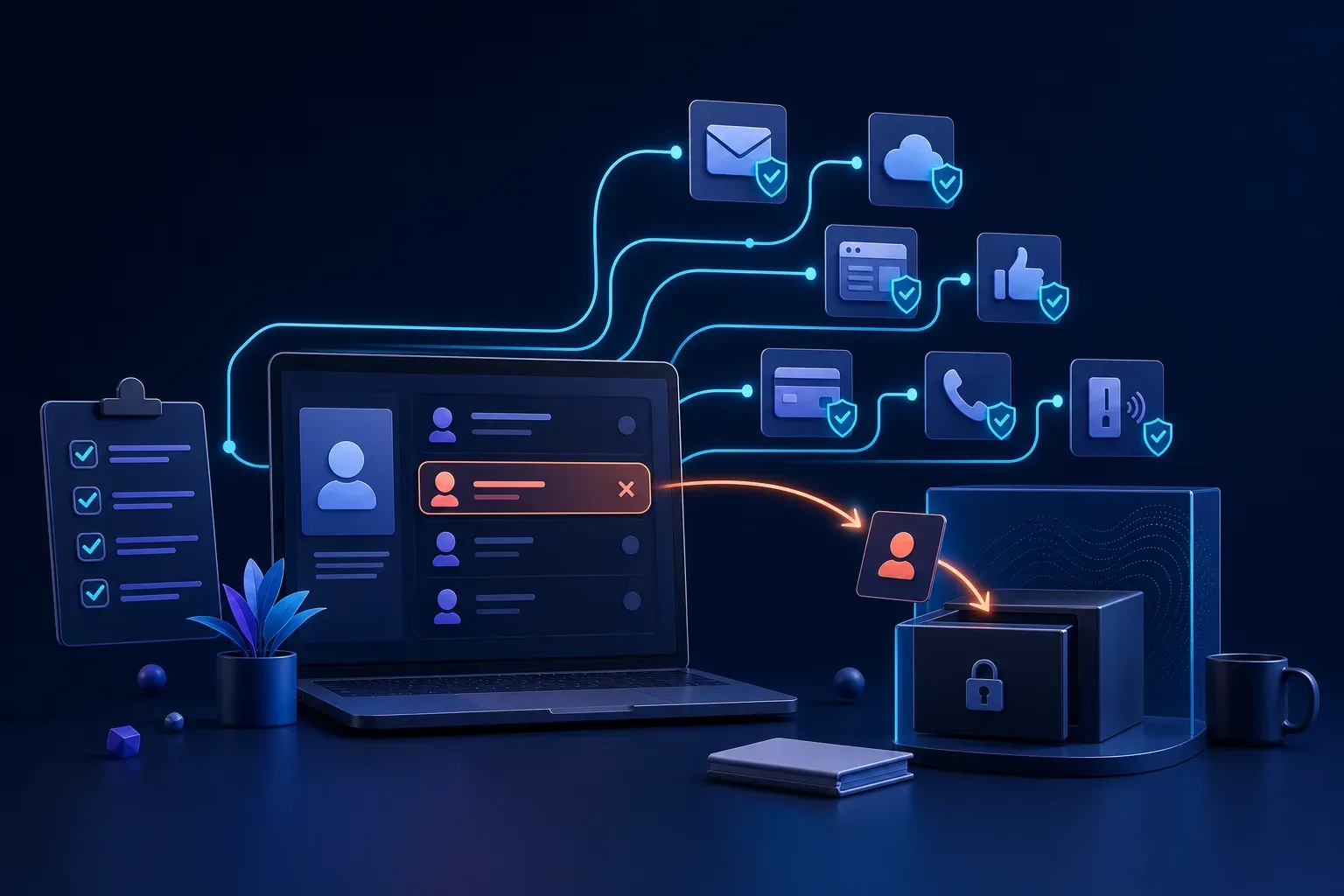
When an employee leaves, do they still have access?
A simple staff departure checklist can protect business email, files, websites, payments and customer information after somebody leaves or changes roles.
On this page
When an employee leaves a small business, collecting their keys and laptop may feel like the important part. Their digital access can be much easier to overlook.
An old email account, shared password or forgotten website login may still provide access to customer information, invoices, cloud files and business systems months later.
Most former staff will never misuse that access. The risk is not only about trust. Their account could be compromised, their saved password could be stolen or a device could remain connected without anybody noticing.
Every staff departure should include a simple access removal checklist.
Start with a list of every account
It is difficult to remove access when nobody knows what the person could use.
Keep a record of the services provided to each employee, contractor and external provider. Include:
- Business email and calendars
- Cloud files and shared folders
- Accounting, invoicing and payment services
- Customer and supplier databases
- Website, hosting and domain accounts
- Social media and advertising platforms
- Remote access and virtual private networks
- Password managers
- Business phones and computers
- Door access, alarms and office WiFi
Update the list whenever the business adopts a new service. This turns a stressful departure into a repeatable process rather than a search through old emails.
Remove access at the right time
Plan when each account will be disabled. For a normal departure, this may be at the end of the person’s final working day. If there is an immediate security concern, access may need to be removed sooner.
Coordinate the timing with the manager, payroll and IT provider. Disabling access too early can interrupt necessary handover work, while waiting too long creates an unnecessary risk.
The Australian Cyber Security Centre recommends revoking access from staff who leave and changing shared login details when somebody leaves or changes roles.
Secure email before deleting anything
Email is often the key to every other account because it receives password resets and verification messages.
Disable the person’s ability to sign in, then preserve business messages according to your legal and operational needs. Transfer important files, calendar ownership and customer conversations to an appropriate employee.
Review mailbox forwarding, delegation and recovery details. A forwarding rule can continue sending business email elsewhere even after the person stops using the mailbox.
Do not immediately reuse the old address for another employee. Keeping identities separate makes activity easier to understand and reduces confusion for customers.
Change shared access
Individual accounts are safer because they can be disabled without affecting everybody else. Shared accounts make departures harder and make it difficult to identify who performed an action.
Where a shared account cannot be avoided, change its password and review the multi factor authentication devices connected to it. Remove saved sessions and recovery details that belong to the departing person.
Remember less obvious shared access such as office WiFi, alarm codes, website administration, social media, shared email, remote support tools and business banking.
Recover devices and business information
Collect business phones, computers, security keys, access cards and storage devices. Confirm that business information has been transferred from any approved personal device or account.
Do not erase a device until required business files have been preserved. Once the information is safe, remove the former employee’s accounts and prepare the device properly before giving it to somebody else.
If staff use personal devices for work, have a written process explaining how business accounts and data will be removed without affecting personal information.
Remember contractors and role changes
The same process should apply when an accountant, marketing agency, web developer or IT provider no longer needs access.
Staff who move into another role may also retain permissions they no longer require. Review their access and keep only what is necessary for the new position.
Limiting access reduces the harm possible if any one account is compromised. It also keeps sensitive financial, customer and employee information available only to the people who need it.
Confirm the checklist is complete
Record which accounts were disabled, which passwords changed, which devices returned and who completed each action. Ask another responsible person to review important systems such as email, banking, domain management and cloud storage.
Check recent account activity for unusual sign ins, downloads, forwarding rules or changes. If something looks suspicious, preserve the evidence and contact your IT provider before making further changes.
Make departures routine
Removing access is not a sign that the business distrusts somebody. It is a normal security step that protects the former employee, the remaining team and the customers whose information the business holds.
A short checklist completed on time is far easier than discovering an active account months later. Know who has access, remove what is no longer needed and confirm the work has been finished.