How multifactor authentication protects your accounts even when a password is stolen, and which verification methods offer the strongest security.
On this page
Passwords are often the first line of defence for an online account, but they are not always enough. Passwords can be guessed, stolen through phishing, exposed in a data breach, or reused across multiple websites. Multifactor authentication, commonly known as MFA, adds an extra layer of protection.
How MFA works
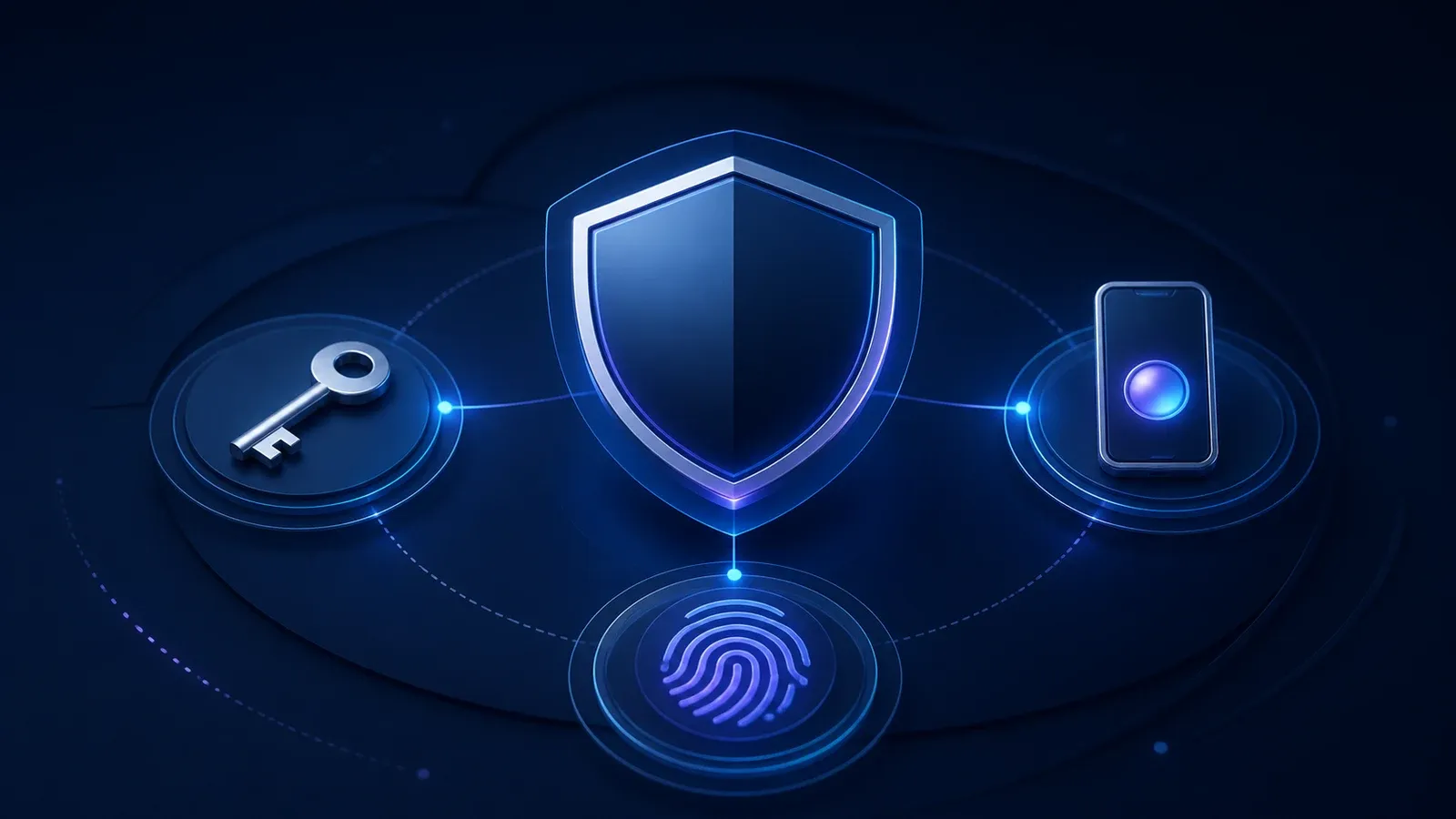
MFA requires you to provide more than one form of verification when signing in. These forms of verification usually fall into three groups:
- Something you know, such as a password or PIN
- Something you have, such as a mobile phone, authentication app, or security key
- Something you are, such as a fingerprint or facial recognition
Most services combine a password with an approval notification, temporary code, authentication app, or physical security key.
Why MFA matters
The main benefit of MFA is that a stolen password is usually not enough for an attacker to access your account. Even when someone knows your password, they may still need another form of verification that only you can provide.
This extra step makes common attacks much less likely to succeed. It is especially valuable when a password has been exposed without your knowledge.
Choose stronger verification methods
Authentication apps and security keys generally provide stronger protection than codes sent by text message. They can also reduce the risk of attacks involving stolen phone numbers or intercepted messages.
When a service offers several MFA methods, consider using them in this order:
- A physical security key
- An authentication app
- An approval notification in a trusted app
- A code sent by text message
Any MFA is generally better than relying on a password alone, but the strongest available method should be used for important accounts.
Accounts to protect first
MFA is especially important for accounts that contain sensitive information or can be used to access other services. Prioritise:
- Banking and payment services
- Social media
- Cloud storage
- Workplace accounts
- Password managers
Email accounts should come first because they are often used to reset passwords for other services.
Turning on MFA usually takes only a few minutes, but it can make an account significantly harder to compromise. It is one of the simplest and most effective steps you can take to improve your online security.