Your business email has been hacked. What should you do first?
A practical response plan for securing a compromised business email account, protecting customers and reducing the chance of further damage.
On this page
A customer calls to ask about an unusual invoice. A staff member notices messages they did not send. An unexpected password alert appears. These can all be signs that somebody else has accessed a business email account.
Email compromise needs a quick response because email often connects to files, banking, customer information and password recovery for other services. Acting calmly and in the right order can limit the damage.
Secure any money at risk
If a suspicious message asked somebody to pay an invoice or change bank details, contact the bank immediately using its official phone number. A bank may be able to stop or trace a recent payment, but every minute can matter.
Contact any affected customer or supplier by phone using a number you already trust. Do not rely on the compromised email conversation because the person controlling the account may still be reading and replying to messages.
Regain control of the account
Change the email password through the official website or application. Use a strong and unique passphrase that is not used for any other account.
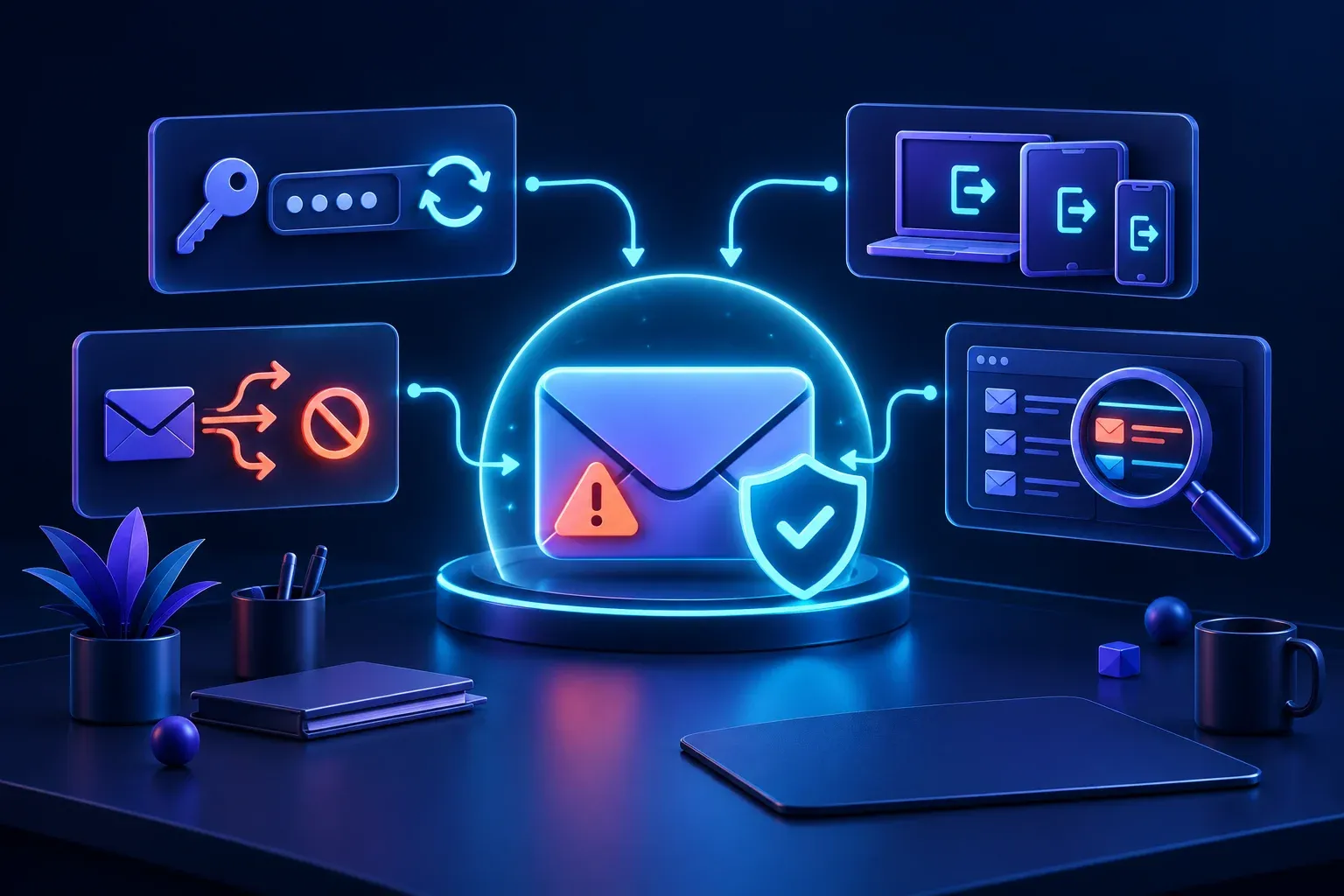
Next, sign the account out of every device and session. Changing the password alone may not always remove an existing session. Check the recovery phone number and recovery email address as well. Remove anything you do not recognise.
Turn on multi factor authentication if it is not already active. Review the registered authentication methods because an intruder may have added their own phone number or application.
If you cannot access the account, contact the email provider or your technology support provider through a trusted channel. Do not follow account recovery links sent in an unexpected message.
Look for hidden forwarding rules
An intruder may create a rule that secretly forwards messages to another address. This can let them continue reading invoices and conversations even after the password has been changed.
Review forwarding settings, inbox rules, filters, automatic replies and blocked addresses. Remove anything unfamiliar. Also review applications connected to the account and withdraw access from services you no longer use or recognise.
Check recent login activity for unusual devices, times or locations. Then inspect the sent, deleted and archive folders to understand what the intruder may have read, changed or sent.
The Australian Cyber Security Centre email recovery guide explains how to review these settings in common email services.
Warn people before they act
Tell staff, customers and suppliers if they may receive fraudulent messages from the account. Keep the warning simple. Ask them to ignore unexpected payment requests, changed bank details, links and attachments until your business confirms them through another channel.
Do not hide the incident out of embarrassment. A prompt warning may prevent somebody else from losing money and can protect the trust you have built with customers.
If personal information may have been accessed, record what happened and seek appropriate privacy or legal advice. Some incidents may need to be reported under the Notifiable Data Breaches scheme.
Check connected accounts
Email is often used to reset passwords for other systems. Review important services such as banking, cloud storage, accounting, website administration and social media.
Change any password that was reused and check those accounts for unfamiliar activity. If the affected computer may contain malicious software, disconnect it from the network and ask a trusted professional to inspect it before using it for sensitive work again.
Record and report the incident
Write down when the problem was discovered, which accounts were affected, what messages were sent and what actions were taken. Keep copies of suspicious emails, login alerts and payment requests where it is safe to do so.
Australian businesses can report cybercrime through ReportCyber. Contact your cyber insurer as soon as possible if you have a policy, since it may require early notification and provide incident response support.
Prevent the next attempt
Once the immediate problem is contained, review why the account was vulnerable. Make sure every person has their own account, uses a unique password and has multi factor authentication enabled.
Introduce a separate confirmation process for payment requests and changes to bank details. A quick phone call to a known number can stop an email scam even when the message comes from a genuine account.
An email compromise is stressful, but a prepared response makes it manageable. Secure the money, regain control, check for hidden access, warn affected people and keep a clear record. Those actions can turn a serious incident into a problem your business can recover from.