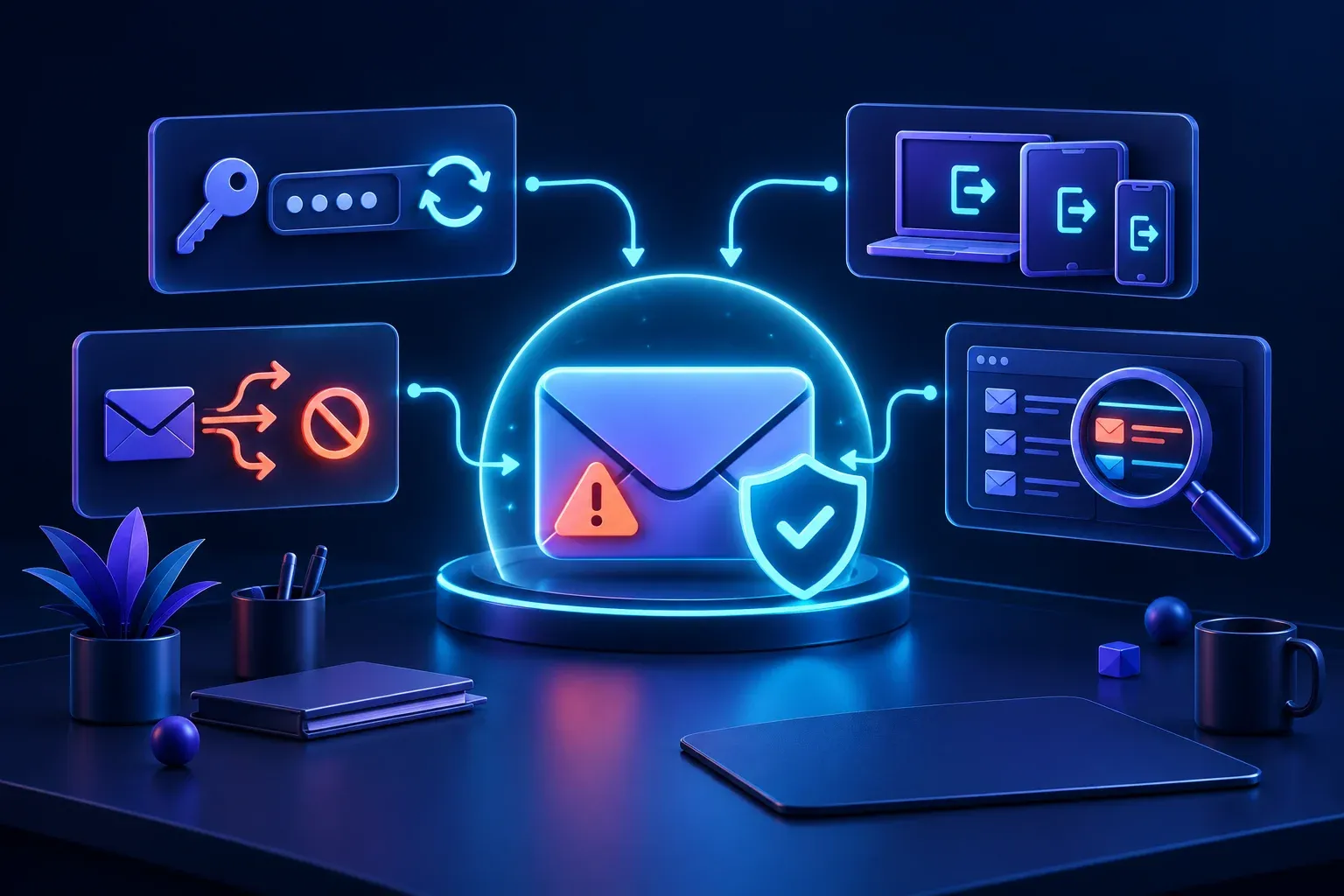
BusinessOnline safety
Your business email has been hacked. What should you do first?
A practical response plan for securing a compromised business email account, protecting customers and reducing the chance of further damage.
→
Practical guidance for families and small businesses navigating technology, privacy, and online safety.
Read the latest article→A practical response plan for securing a compromised business email account, protecting customers and reducing the chance of further damage.
→
A quick family check can help you understand who can make contact, what an app collects, whether it shares location and how purchases are controlled.
→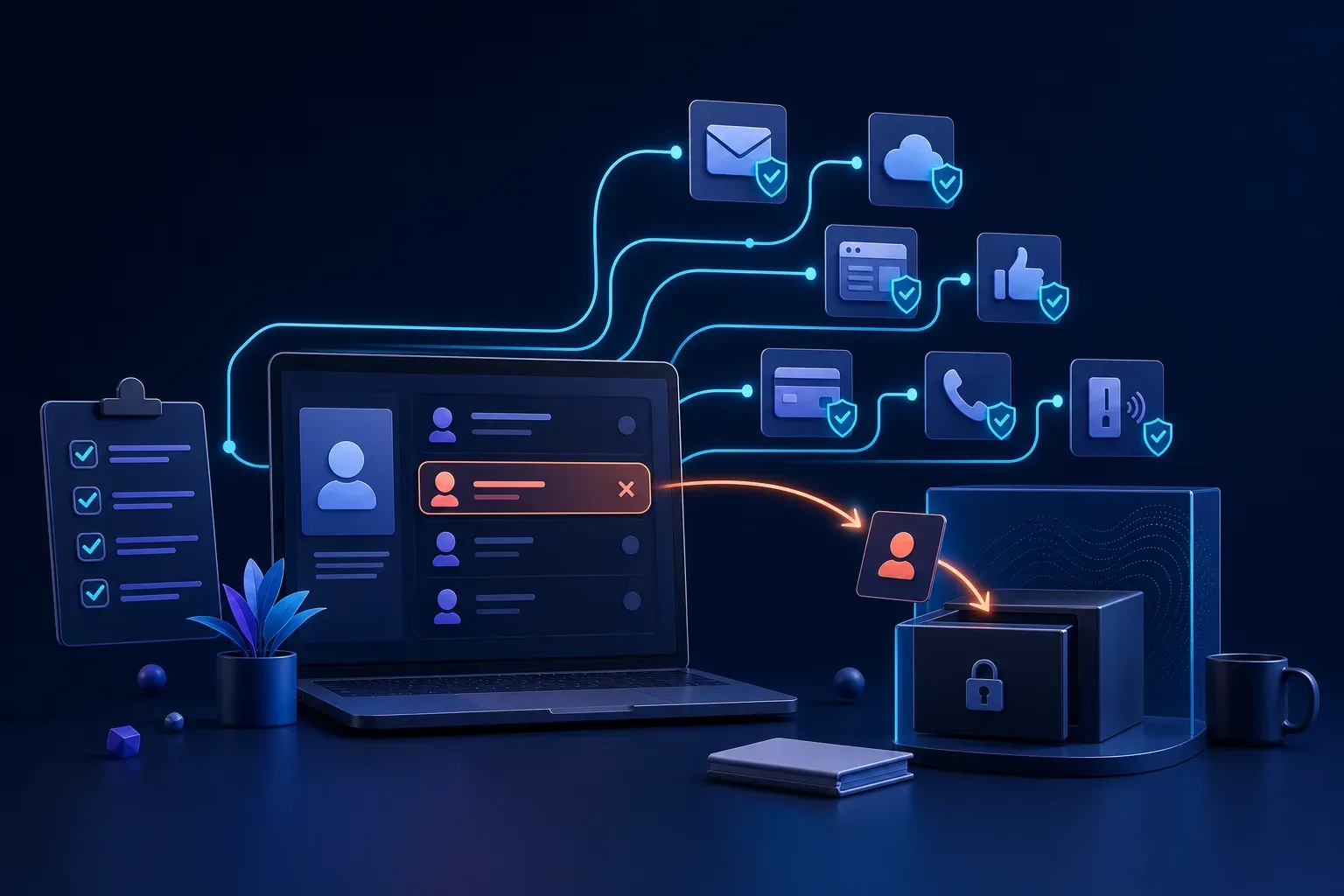
A simple staff departure checklist can protect business email, files, websites, payments and customer information after somebody leaves or changes roles.
→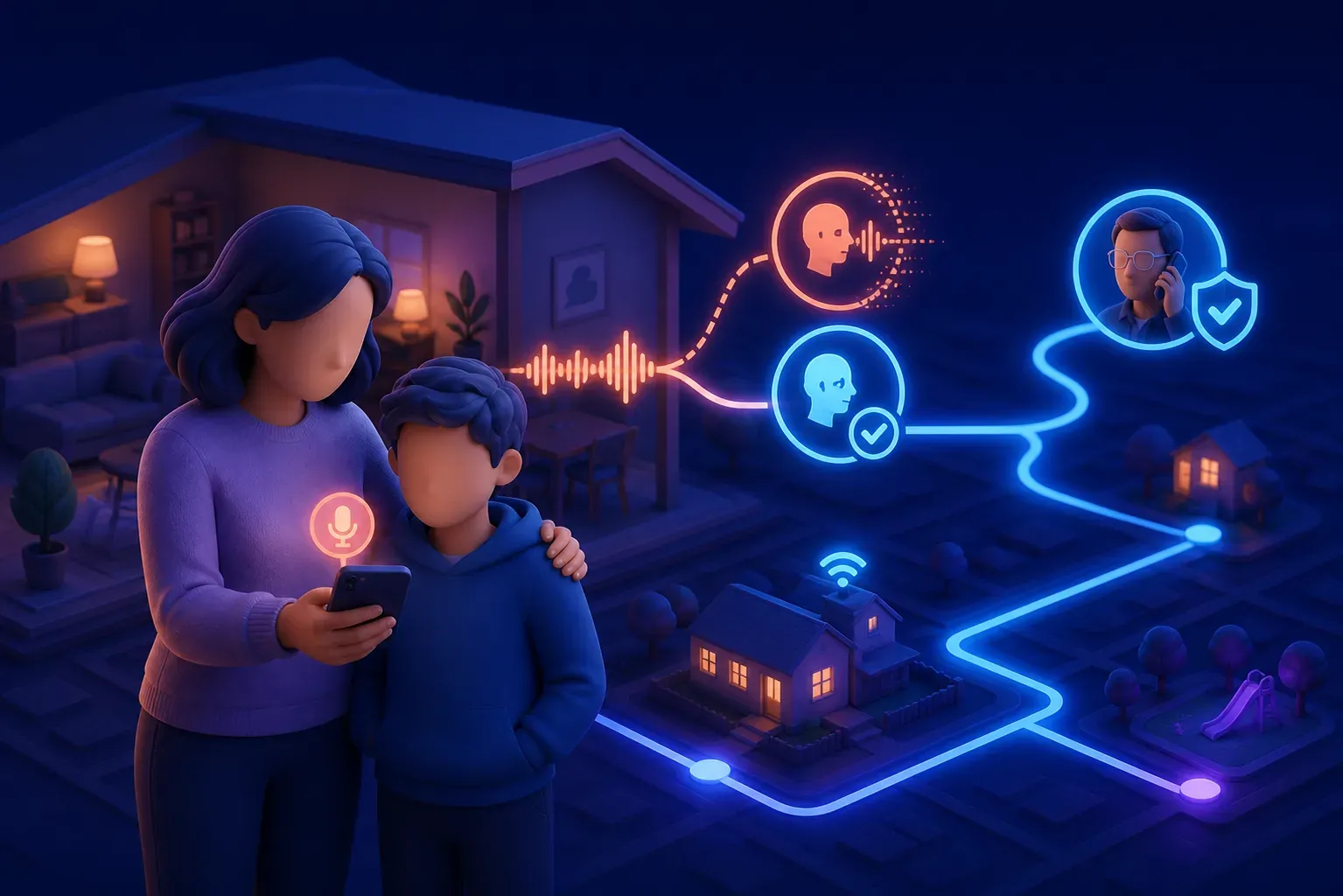
Voice cloning can make an urgent family scam sound frighteningly familiar. A simple verification plan can help everyone pause and check before acting.
→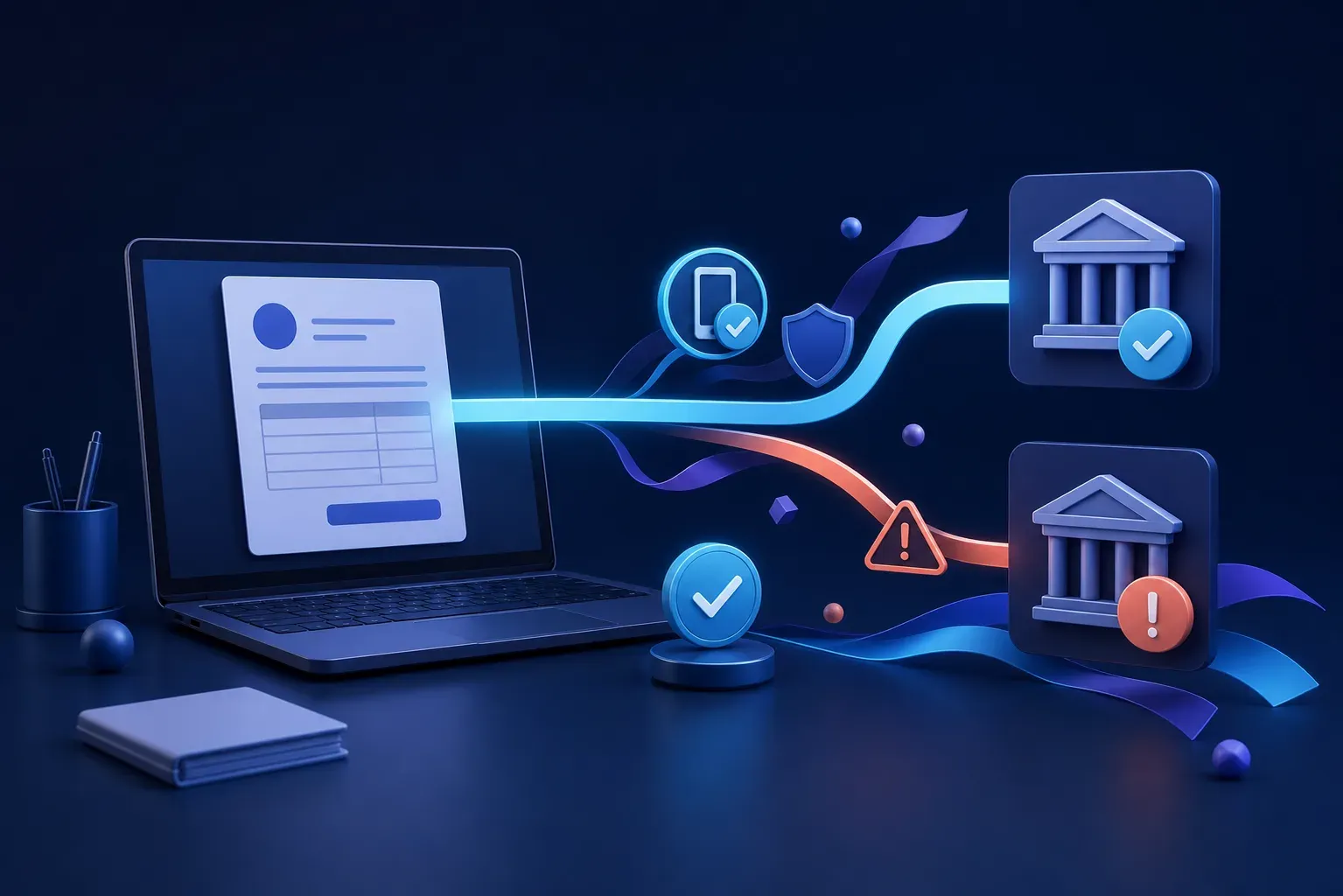
A familiar invoice can still redirect money to a criminal. One simple verification habit can protect your business before a payment is approved.
→
A calm recovery plan can help families locate a missing phone, protect important accounts and know when to contact the mobile provider or police.
→
Class group chats can be useful, but pressure, exclusion and hurtful messages can quickly make them difficult for children to manage alone.
→
Children can learn to recognise fake giveaways, urgent account messages, suspicious links, and requests for passwords or verification codes.
→
Apps such as Life360 can provide useful arrival, battery, and emergency alerts, but they work best when families agree on clear and respectful boundaries.
→
Children are more likely to ask for help when they know they will be heard, supported, and will not automatically lose their device.
→
Family photos can reveal more than expected. Private profiles, careful photo choices, and limited identifying details can reduce the risk of copying and AI deepfakes.
→
A practical backup plan can protect family photos, business records, and important documents from hardware failure, theft, accidents, and ransomware.
→
AI can help create images, draft website content, and save time. Businesses also need clear limits on the customer and confidential information they share with it.
→
Updates do more than add features. They close security gaps in your computers, applications, and business websites before those gaps can be used against you.
→
An older computer may still have plenty to offer. Linux can make it useful again for everyday tasks without forcing it to behave like a new machine.
→
A short guide to YouTube, YouTube Kids, Shorts, recommendations, parental controls, and helping children choose videos more safely.
→
A practical guide to live streams, chat, subscriptions, spending, moderation, and the conversations that help teenagers use Twitch and Kick more safely.
→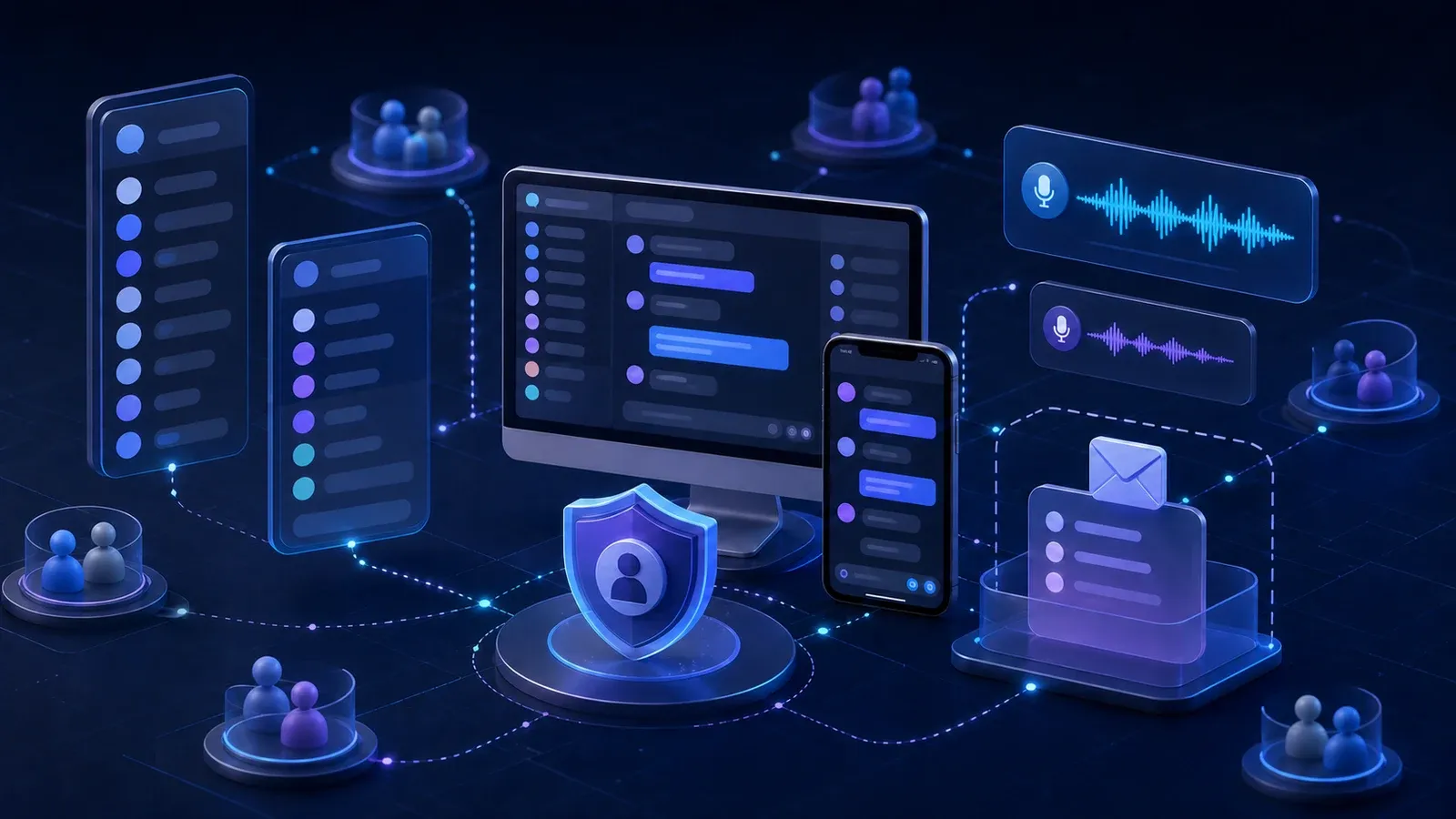
A practical guide to Discord servers, channels, private messages, voice chat, Family Center, safety settings, and the conversations that help teenagers use it more safely.
→
A practical guide to Snaps, Stories, streaks, location sharing, My AI, Family Centre, and the conversations that help young people use Snapchat more safely.
→
How multifactor authentication protects your accounts even when a password is stolen, and which verification methods offer the strongest security.
→
Why password managers make unique passwords easier to use, how they protect stored credentials, and how to secure your password vault.
→
How artificial intelligence is helping security teams, changing cybercrime, and raising new questions for businesses adopting AI tools.
→
A practical comparison of parental controls from ASUS, TP Link, NETGEAR, Google and Synology, with guidance on what families should check before buying.
→
A detailed guide to linking an existing adult Roblox account to a child’s account, verifying parent privileges, and reviewing essential safety controls.
→No articles match that search.